


Download Jio Meet APK – video call, conference call, meeting app, Jio Meet, Jio Platforms Limited, B2B meetings, screen sharing, safe driving mode, waiting room, e-health, e-education
Overview
Jio Meet is a video call application developed by Jio Platforms Limited, an Indian digital services company, designed to support seamless remote communication across diverse work environments. The software enables users to conduct both instant and scheduled conference calls, making it suitable for professionals, teams, and organizations requiring reliable virtual collaboration tools. It is particularly tailored for B2B meetings, allowing users to connect with clients, partners, and external stakeholders efficiently.
The app supports a wide range of devices, including laptops, desktops, mobile phones, and tablets, ensuring flexibility in usage across different work setups. Notably, users can join meetings without installing the app by accessing an invite link through web browsers such as Chrome or Firefox, which enhances accessibility and reduces barriers to entry. The application is intended for individuals and teams seeking a secure, user-friendly platform for real-time interaction.
It also holds potential in non-traditional domains such as e-health and e-education, suggesting broader utility beyond corporate environments. While the developer did not provide additional details about the company’s background, the software’s design reflects a focus on inclusivity, cross-device compatibility, and ease of access. The sign-up process is streamlined, allowing registration via email or mobile number, though only Indian phone numbers are currently supported.
This limitation may affect international users seeking broader access.
Key Features & Capabilities
- Instant and Scheduled Meetings: Users can create immediate video calls or set up conferences at a predefined time, enabling better planning and coordination for team sessions.
- Waiting Room Feature: This functionality allows hosts to control participant access by reviewing attendees before admitting them, enhancing meeting security and privacy.
- Screen Sharing: The app enables real-time screen sharing, supporting collaborative work during presentations, training sessions, or technical discussions.
- Safe Driving Mode: Designed for on-the-go users, this mode allows audio-only participation during travel, promoting safety while maintaining engagement.
- Browser-Based Access: Even without the app installed, participants can join meetings via invite links using Chrome or Firefox, ensuring broad compatibility.
- High-Quality Audio and Video: Back-end technology optimizes performance to deliver HD video and audio, even under low bandwidth conditions.
- Endless Daily Conferencing: The platform supports continuous meeting usage without interruption, suitable for extended collaboration sessions.
- Multi-Platform Support: Available on Windows, Mac, Linux, Android, and iOS, allowing consistent user experience across devices.
These features collectively support remote work, team coordination, and digital engagement across sectors such as business, education, and healthcare. The integration of privacy controls like password protection and access management strengthens trust in sensitive discussions. While the app is free to use, the developer did not specify whether premium tiers or additional features are available. Users are encouraged to explore its full potential in both professional and emerging digital service contexts.
User Interface, Workflow & Performance
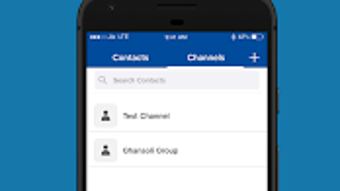
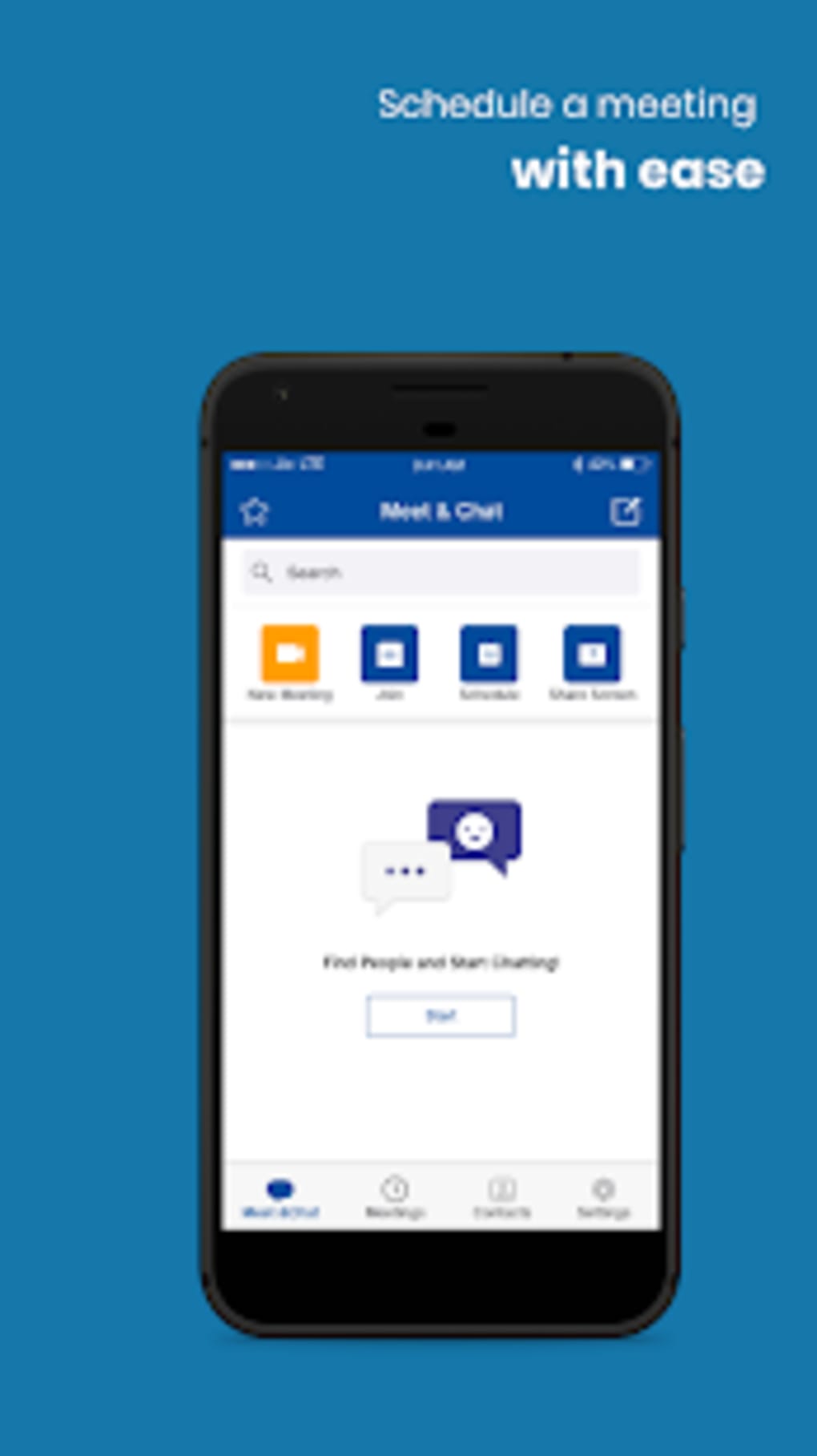
The user interface of Jio Meet is described as intuitive and user-friendly, allowing smooth navigation between functions such as starting a meeting, sharing screens, and managing participants. The layout emphasizes clarity and accessibility, with essential tools placed within easy reach. Users can transition seamlessly between devices—such as switching from a desktop to a mobile phone—without disrupting ongoing calls, which supports flexible work habits.
The workflow is designed to minimize friction, with straightforward steps for initiating meetings, inviting participants, and managing settings. However, the developer did not specify resource usage details, so exact performance behavior in terms of CPU or RAM consumption remains unknown. General software behavior patterns suggest stable operation under typical conditions, but the presence of persistent bugs and glitches reported by users may affect reliability.
Performance observations are based on general software behavior patterns. Stability during long sessions and across different network conditions has not been officially documented. The application’s ability to maintain high-definition audio and video quality under low bandwidth indicates optimized backend processing.
Despite these strengths, ongoing technical issues may impact the overall user experience, particularly during critical meetings.
Compatibility & System Requirements
Jio Meet is compatible with multiple operating systems, including Windows, Mac, Linux, Android, and iOS, offering broad accessibility across desktop and mobile environments. The software is available as a downloadable application with a file size of 45.7 MB, which is relatively lightweight for a video conferencing tool. The current version is 1.0.3, released on August 1, 2023.
The developer did not provide detailed system requirements, so exact hardware specifications such as minimum RAM, processor speed, or storage space are not available. Compatibility information was partially provided, indicating that the app functions across major platforms but without explicit details on minimum or recommended configurations. Users are advised to ensure their device meets general requirements for running modern desktop and mobile applications.
The lack of official system specifications may pose challenges for users with older or less powerful hardware. For optimal performance, it is recommended to use a device with a stable internet connection and up-to-date operating system. The browser-based access option provides a fallback for systems that may not meet the app’s unstated requirements.
Pros and Cons
Pros
- Free to use with no subscription fees
- Supports cross-device switching without call interruption
- Browser-based access enables participation without app installation
- Includes privacy-focused features like Waiting Room and password protection
- Optimized for low bandwidth with HD audio and video quality
- Offers Safe Driving Mode for hands-free participation
- Available on multiple platforms including Windows, Mac, Linux, Android, and iOS
Cons
- Only Indian phone numbers are supported for sign-up
- Not available on the Google Play Store, limiting accessibility
- Persistent bugs and glitches reported by users
- Limited system requirements information from the developer
- May not be suitable for users outside India due to regional restrictions
FAQ Section
Is Jio Meet available for non-Indian users?
While Jio Meet supports multiple operating systems and devices, the sign-up process currently only accepts Indian phone numbers, which may restrict access for users outside India.
Can I join a meeting without installing the app?
Yes, users can join a meeting through an invite link using web browsers such as Chrome or Firefox, even without the app installed.
Is Jio Meet secure for business meetings?
The app includes features such as password protection and a Waiting Room to control participant access, supporting secure communication for B2B meetings.
Does Jio Meet support screen sharing?
Yes, screen sharing is available, allowing users to present content, collaborate on documents, or demonstrate processes during meetings.
Are updates available for Jio Meet?
Yes, the software is regularly updated, with the latest version being 1.0.3, released on August 1, 2023. Users are encouraged to keep their app up to date for optimal performance.
Final Thoughts + CTA
Jio Meet stands out as a feature-rich, free video conferencing tool with strong cross-platform support and a user-friendly interface. Its ability to function both through a dedicated app and via browser access enhances its versatility, especially for users in dynamic work environments. The inclusion of privacy tools like the Waiting Room and Safe Driving Mode adds practical value for professionals and remote workers.
While the app demonstrates potential in emerging fields such as e-health and e-education, ongoing technical issues and regional access limitations remain significant concerns. Despite these drawbacks, its core functionality—reliable audio and video, screen sharing, and multi-device synchronization—makes it a viable option for Indian-based teams and professionals. For users within India seeking a secure, free, and accessible meeting platform, Jio Meet offers compelling advantages.
However, those outside the country may face barriers due to sign-up restrictions and lack of availability on major app stores. Overall, it is a promising tool with room for improvement. Download Jio Meet now.






.png)
